At SmartFix Lab; We pride ourselves on great customer service and believe that complete transparency and great communication is at the core of that.
Data Loss can be a daunting experience and with so many options in the online market place, we aim to be clear in our Processes and Price structure.
The issue can feel even more daunting when faced with the prospect of posting in a device. We’ve put together some Data Recovery FAQ’s to cover some of our most Frequently asked questions.
Your question wasn’t answered? Fill out the contact form and one of our team will be in touch to help.
Data Recovery FAQ
Here are answers to some of the most common questions about our data recovery services:
Hopefully. You only pay if we're successful. But we can't guarantee recovery until we try.
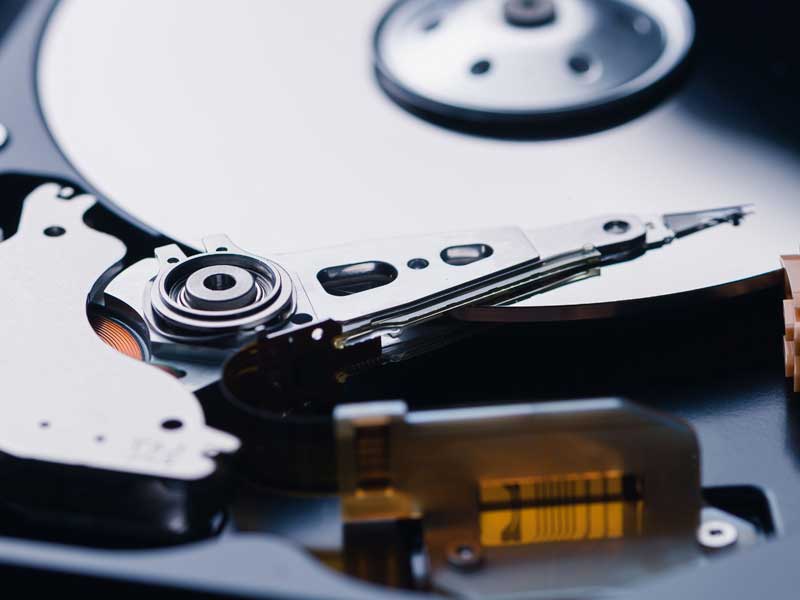
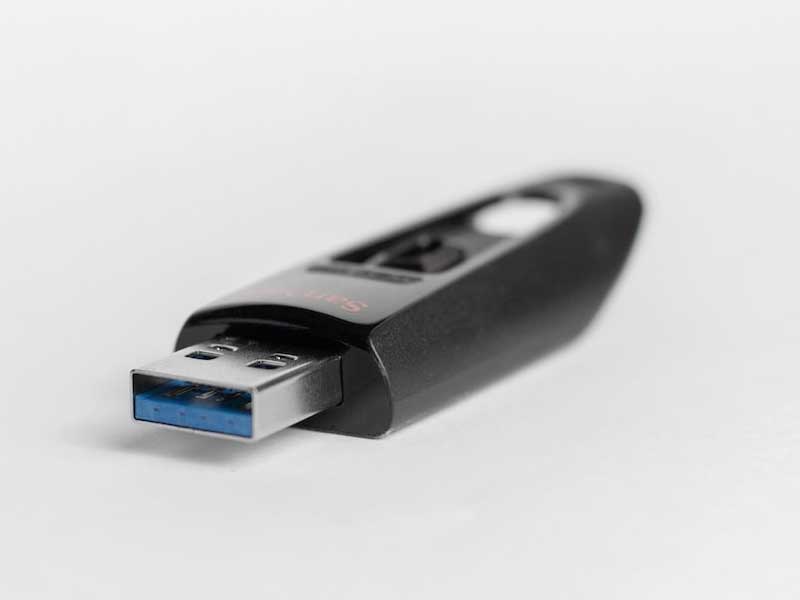
We can recover data from any device that holds data. Laptops, external HDD's, internal HDDs, SSDs, USB, SD cards, mobile phones, tablets, and multiple disk arrays running any operating system.
Our prices depend on what engineering we need to undertake to access your data. We work on a fixed price 3 tier system and pricing per drive is detailed on our pricing page.
The average turn-around-time is 3-5 working days but some jobs can take far longer. That is dependent on parts availability and the time it takes for data extraction.
We will provide the data on a 1TB external hard drive, but you are welcome to send in your own device as long as it's blank.
Booking a job is easy. You can go to our data recovery booking form or click the "book a recovery" button on the website. One of our team will get in touch.
The pricing structure depends on the type of recovery you need. Rig Based is the most typical, but sometimes can take days to perform or require more expensive software so may need the intermediate charge. Physical failures that require manual repair or chip-level NAND engineering. Will fall into the higher categories.
Yes, we can accept opened drives, but the non-refundable "tamper/lid off" fee of £50.00 applies.
Typically; we aim to recover user data. (Desktop, Documents, Pictures etc) If there are database files or user data within the program files, please detail this within the "critical files" section.